
Three printable PDFs, A4, to fill in by hand. They are free, with no sign-up. Paper is deliberate: a printed list kept with your important papers is easy for your family to find, and it isn’t sitting on a device someone has to unlock.
Don’t write passwords, PINs or recovery codes on these forms. Write down where each one is kept. The guide to the master password explains the options.
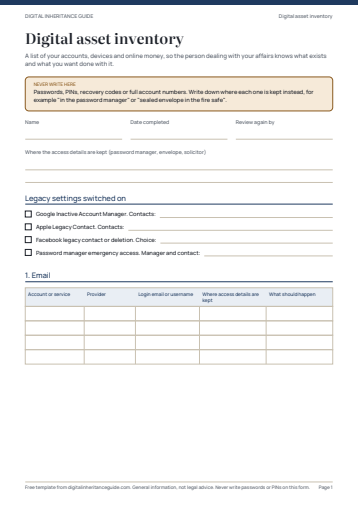
Digital asset inventory
Four pages of tables, grouped by category: email, money, photos and files, social media, subscriptions, domains, devices and two-factor authentication. For each account: the provider, the login email, where the access details are kept and what you want done with it.
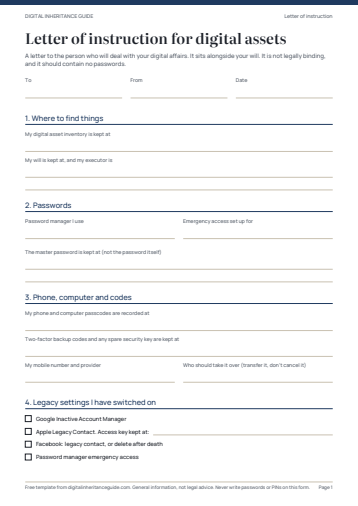
Letter of instruction for digital assets
A guided letter to the person who will deal with your digital affairs: where your inventory and password manager are, which legacy settings you have switched on, how to reach your phone and 2FA codes, and your wishes for photos, email, social media and websites.
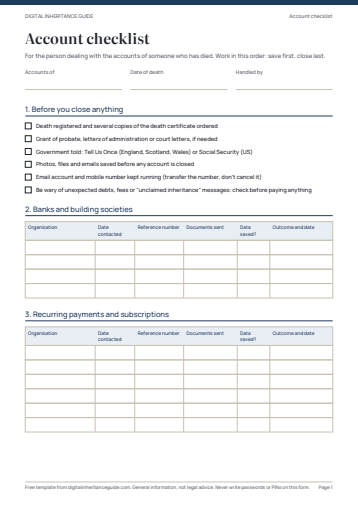
Account checklist for executors and family
For the person dealing with the accounts of someone who has died. A tracking sheet in a sensible order: what to save first, who to notify, the reference number you were given, the documents sent and when each account was closed or memorialised.
Using them well
- Print two copies. Keep one with your will or other important papers and tell your executor where it is.
- Use a pencil for the inventory, so it is easy to update. Review it once a year.
- A letter of instruction is not legally binding. It sits alongside your will and helps the people who carry it out.